
0.1.12 UPDATED
Unity


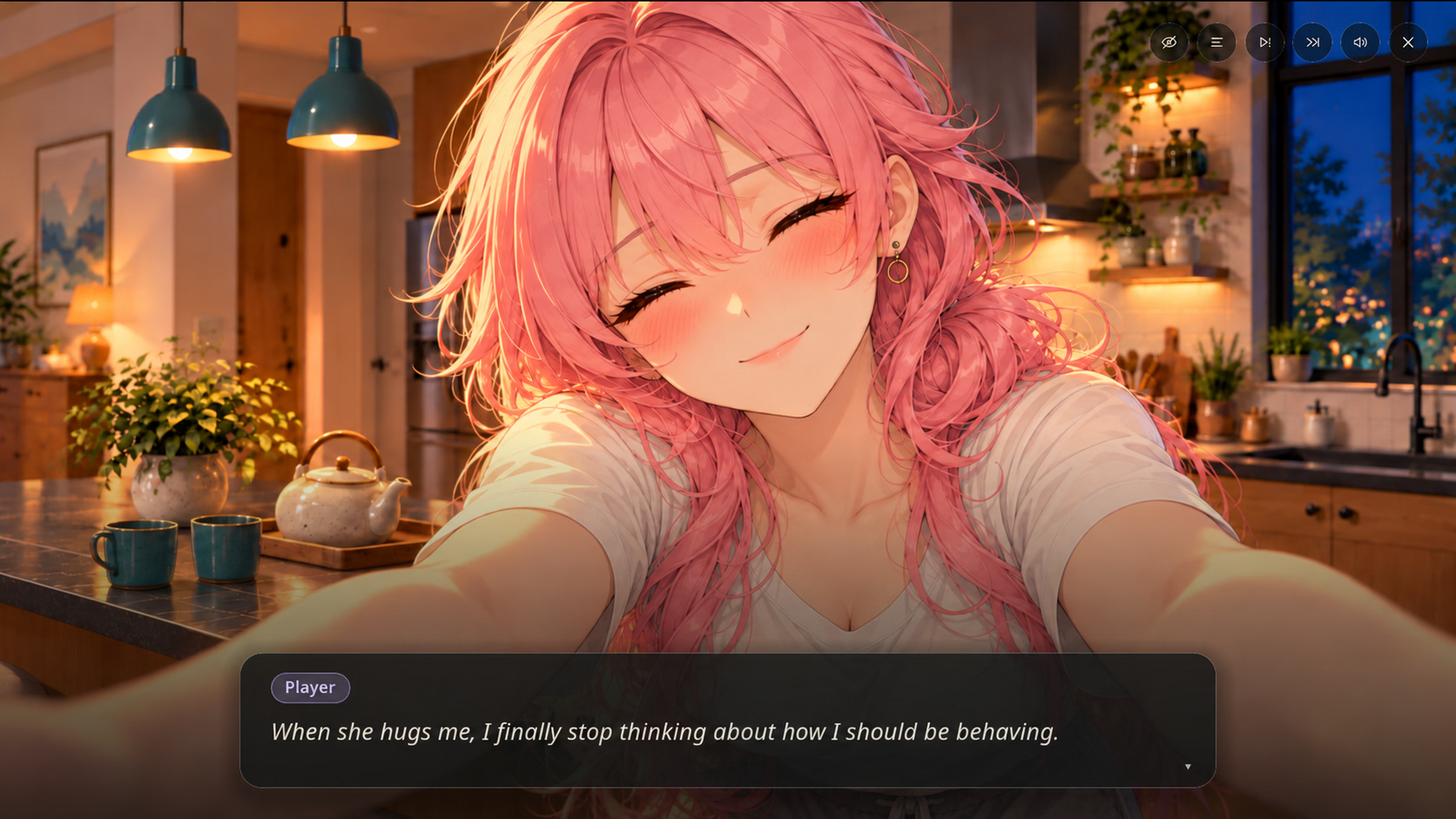
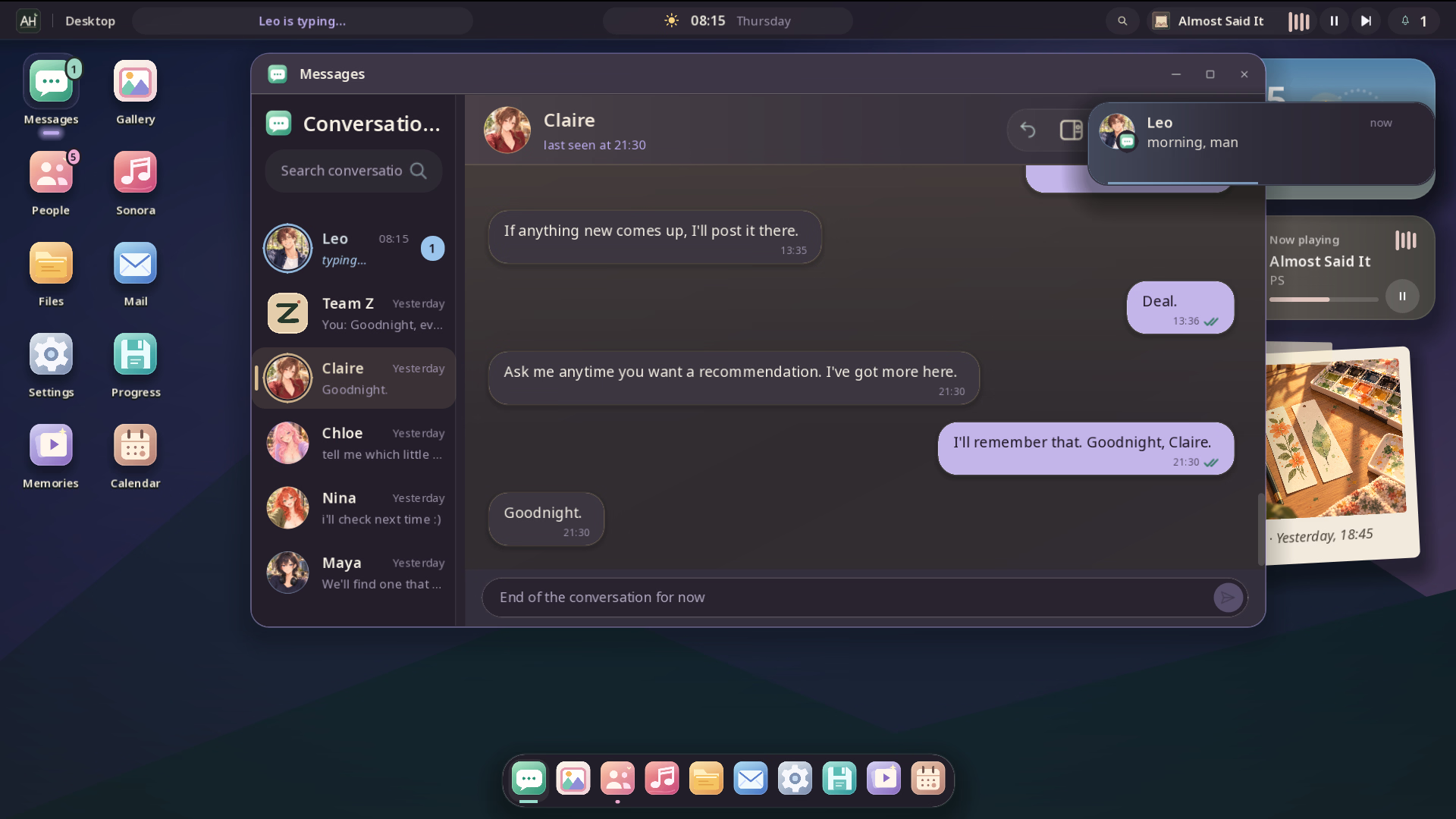

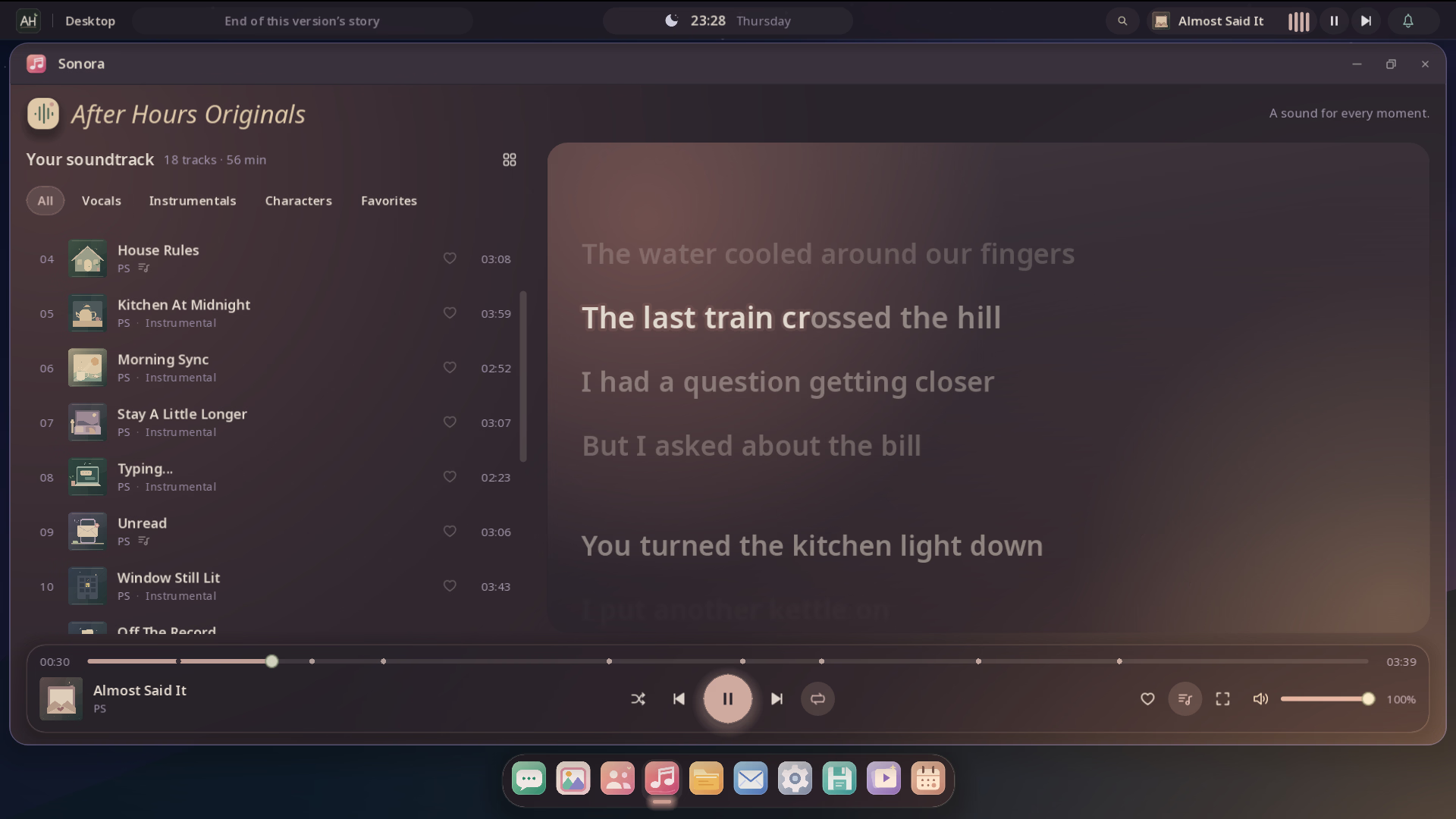
After Hours is an uncensored Ren’Py Engine visual novel developed by PS. Featuring full uncensored scenes, branching romantic interactions, and choice-driven storytelling, this latest [v0.1] release delivers an expanded experience packed with fresh narrative content and visual upgrades.
Conversations that stay with you. After Hours is a slice-of-life narrative game played entirely through a computer desktop.
You’ve just moved into a shared house and started over with a new team. Your days unfold through messages, photos, music and the small choices you make in every conversation. Some of those conversations become in-person memories: fully illustrated scenes you live together.
After Hours combines narrative depth with intuitive visual presentation. Notable themes and gameplay elements include 2dcg, ai cg, Dating Sim, male protagonist, mobile game, Romance. Key features include:
Follow these quick installation steps to get After Hours running smoothly on your device:
C:\Games\After Hours), and launch the main .exe executable. Run as administrator if save permissions require elevated privileges..apk build. Ensure “Install from Unknown Sources” is toggled on in your device security settings. Install the package and grant requested storage permissions upon initial boot.chmod +x *.sh or app package), and launch natively.Will updating to [v0.1] overwrite my previous saves?
In most Ren’Py titles, save states are automatically preserved in the internal user directory (%APPDATA%\RenPy on Windows or Android/data on mobile). To ensure zero progress loss, always back up your existing /saves/ folder before replacing old game files with the new build.
Is this build 100% complete and uncensored?
Yes, all direct cloud mirrors provided on DikGames feature the verified, fully uncensored release by PS with all current patches and episodic updates integrated.




After Hours (0.1)
Select the problem you experienced with this game. Reports help our maintenance crawlers instantly verify mirrors and alert uploaders.