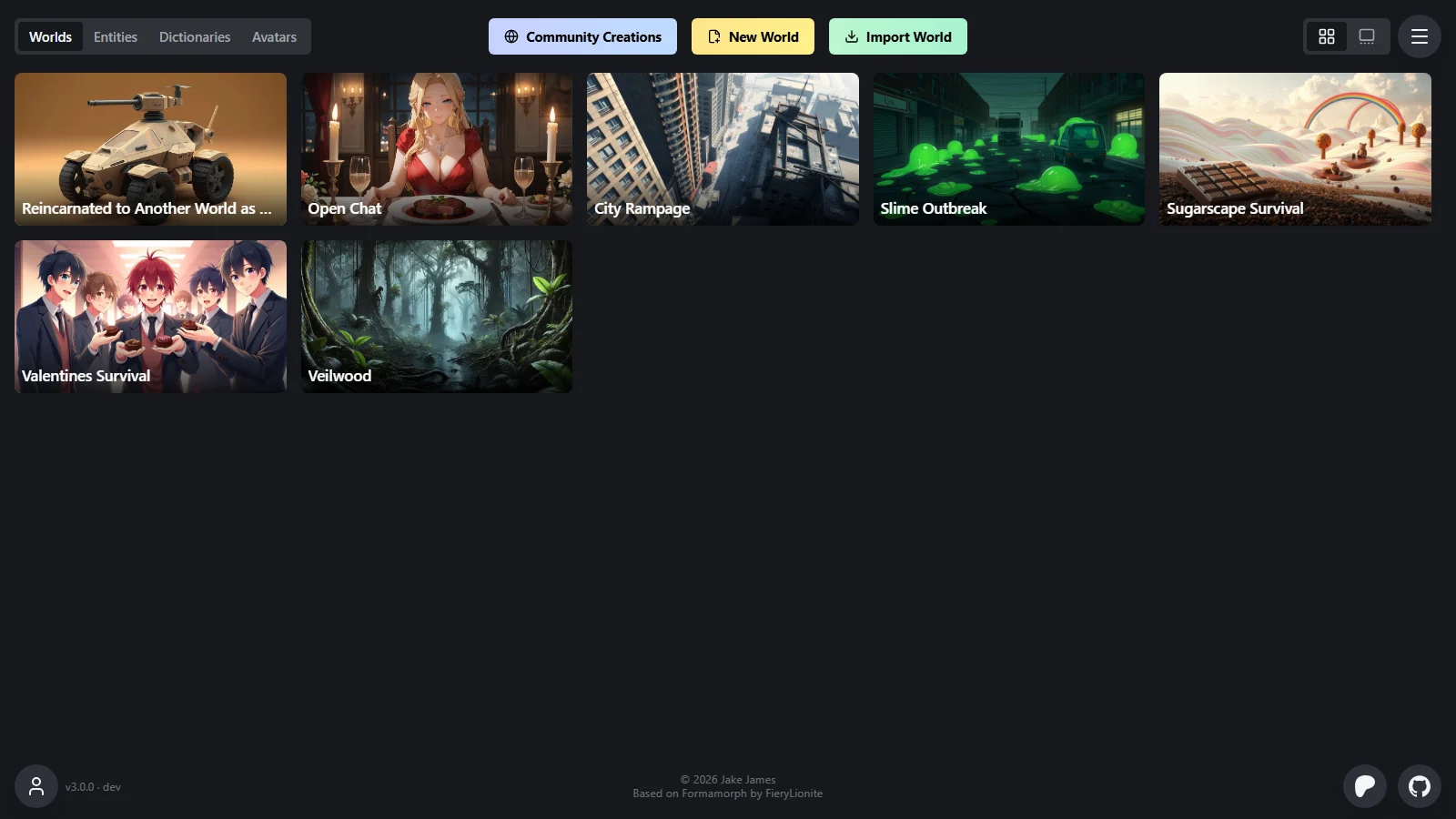
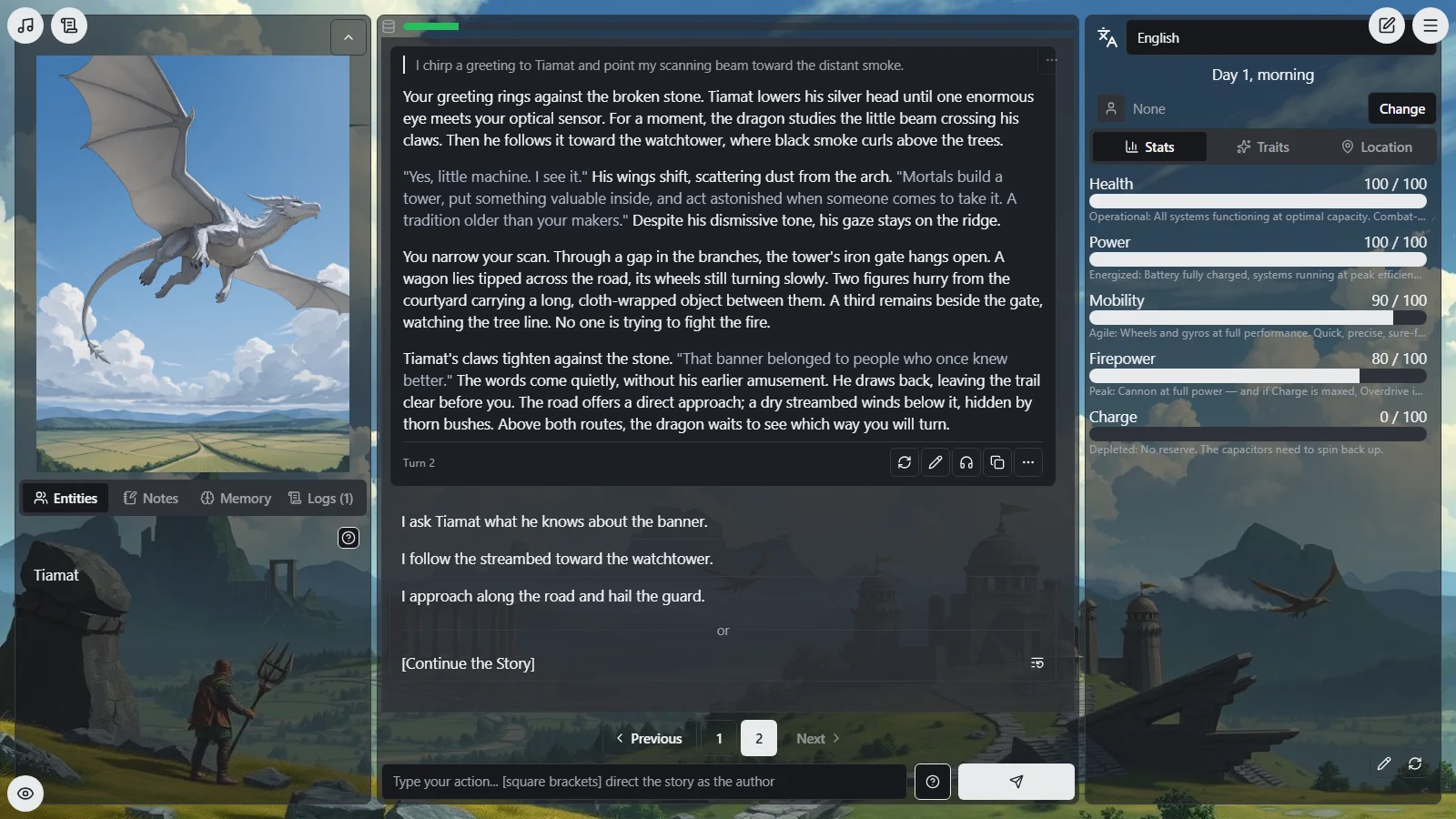
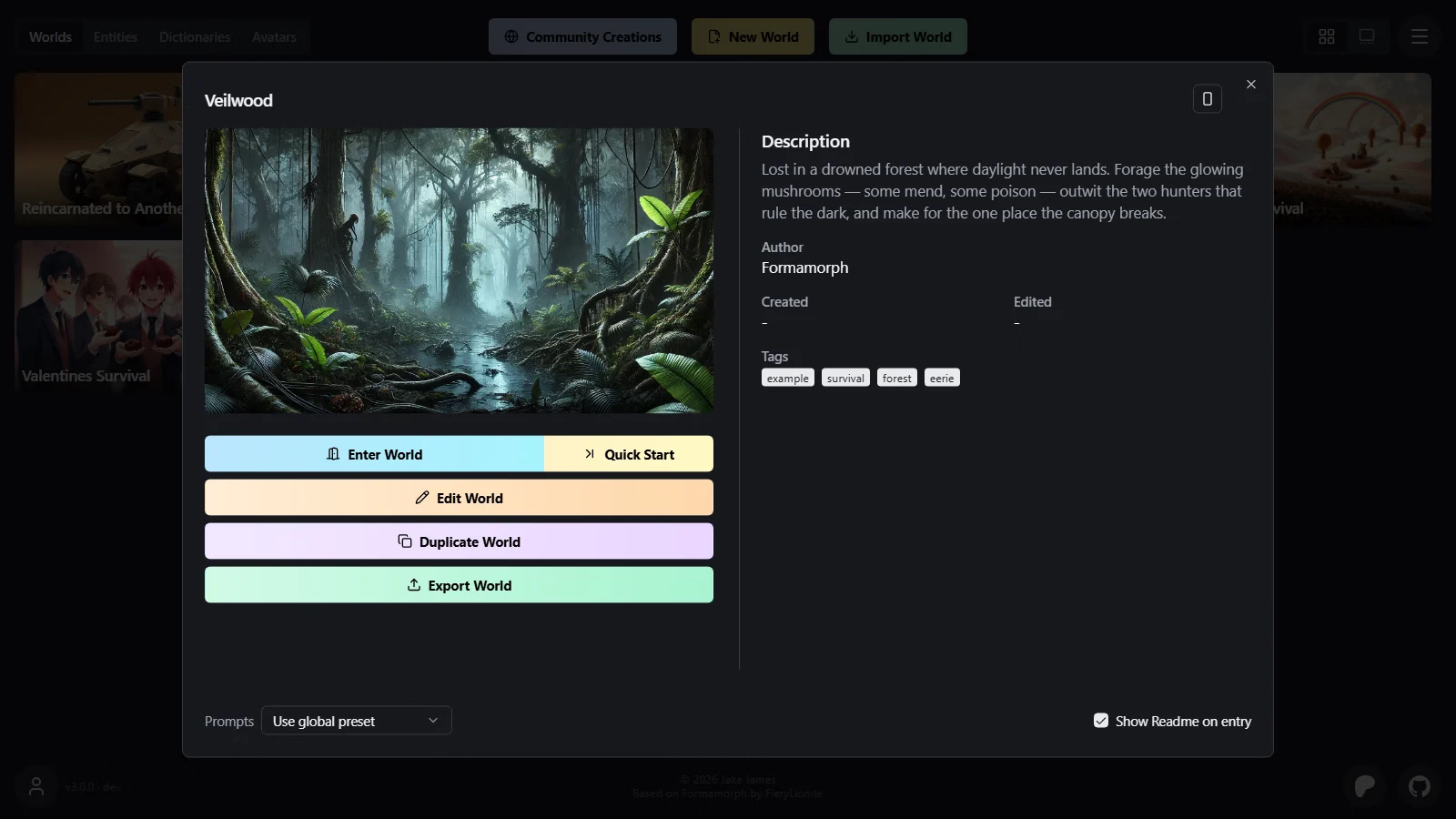
v3.0.0 Added Persona Entity editors accept pronouns, show “it/its” among the examples, and send them to the AI A Persona checkbox above Type in both entity editors marks an entity you can play as The library's Entities tab can show only your personas You can set one persona as your default World exports, character cards and published listings keep an entity's pronouns and Persona mark Enter World opens on a Persona category where you pick who you play The game's side panel shows your persona, and you can change it mid-game You can play as one of a world's own entities A world can say who the player can be Saves can record the persona you play, and the entity you play leaves the cast The staged planner takes the persona's name and aliases as the player, in place of trait names A Persona chip in Settings → Prompts sends the persona you play to the AI, and the built-in presets carry it Every Settings and World Editor prompt-variable chip supports formatted headers, and built-in presets hide empty single-chip sections in every style A Player Name chip lets world, entity, dictionary and opening text name the player A library persona's own placeholders work in play The Entities tab imports SillyTavern's persona backup Native Reasoning A switch and a strength on every prompt, in every Thinking mode The Reasoning Budget slider caps thinking on LM Studio, not only the built-in engine The AI Context viewer names the reasoning fields each request carried Formamorph reads your server's own capability list instead of testing it A catalog tells Formamorph your model reasons before you take a turn Kimi models get the controls their own model id earns A model that shows its thinking is believed, and one that never shows it stops being offered the controls On OpenRouter, each model gets the controls it actually takes On a vLLM server, the controls wait until a reply shows the server's own reasoning Anthropic and Google endpoints get the controls their own API takes Openings The World Editor's Openings panel holds several openings, and a new game draws one of them by weight An opening set to open as Narration is page one exactly as you wrote it, and the game starts on it at once Entities carry their own openings, drawn with the world's when the entity is at the starting location The Openings checkbox follows whether the world has openings Adding an entity that brings openings checks the world's Openings checkbox The World Editor's Openings panel shows every opening in the world, grouped by owner Entities you pick at Enter World open the world with their own openings SillyTavern JSON and PNG cards import their greetings, with author and tags kept in the library The Test Bench's Opening tab shows the openings a new game can draw, and what each one sends on turn one Prompt Presets Prompt presets you made have an Overview in Settings → Prompts, and it goes with the preset when you share it Community Creations separates Prompts from the main upload types above Contest and lets you filter presets by model You can publish a prompt preset you made to Community Creations On a narrow screen, the preset actions in Settings → Prompts sit in one ⋯ menu You can download a prompt from Community Creations and switch to it with one button Demo AI The built-in hosted AI endpoint reads Demo AI where it read Default A one-time dialog says what the Demo AI is when you first play on it A Demo AI badge shows in the game view while the Demo AI writes your narration Narration Layout Re-generate Stats sits to the right of Edit Stats in the Stats panel, and both buttons have tooltips Chat shows the story as a conversation, keeps scene generation in menus, and waits for narration before offering Jump to Latest or choice regeneration Pages shows each turn on a card with unnumbered choices, a segmented Continue row, scene generation in menus, and choice regeneration only after narration Library Folders A folder tile in the library's grid layout shows the top-left corner of the folder's own board A folder opens with a zoom into its tile Library in a folder's header zooms back out to the folder's tile Contest Podium Two or more worlds can share a place on a contest podium The Podium dialog's entry grid shows the standings A contest can end in a tie, and every place a tied world holds reads as a full win Likes The heart in Community Creations works without an account The likes you gave before signing in become your account's A world you downloaded asks once, after fifteen turns, whether you like it Settings prompt navigation uses smaller subsection labels, a filled active row, and independent scrolling The Privacy Policy now covers liking a listing while signed out, before anything can be liked that way The game view's side panel tabs have icons and fill the panel, and the narration sits in the exact center Settings → Prompts heads every surface of a prompt with the line that says what it does A Max Output row in Settings → Prompts sets how many tokens each capped prompt may write, and Discover Entity and Milestone Select get their own prompt tabs Settings copy reads the way a person writes it World Editor text fields gain a Values tab that shows each placeholder open on its drawn value, lets you edit that value in place, and has arrows that step to its other values Every placeholder chip's pop-out shows World | Unique, and says why it takes no choice where it cannot World Editor help reads the way a person writes it Quoted speech in the story reads in its own color, which you can pick for light and dark mode, and can be set in italic The library entity and dictionary editors share a layout, put Author above Tags, and preserve credits in shared files A dictionary in the World Editor has Details and Placeholders tabs The World Editor tells you when it unlinks a copy whose library item is gone The World Editor's Custom Prompts field takes placeholder chips, and play sends each chip's value in the prompt Open Chat is a new bundled world for talking with an entity from your library Fixed Community Creations A creation's details open with one fade on the website Thumbnails stay between launches when you are signed in Prompt and Placeholder Chips share dragging and undo in Settings → Prompts and the World Editor, with accurate blank-line drops and visible blank affix lines The narration reveal's Move, Scale and Blur effects stay visible on a fast model An entity that stays in the scene stays in the Entities tab while the next reply streams A field's Preview keeps a placeholder's drawn value when you re-spell that value on the Placeholders tab The library editors use only the entity's or dictionary's own placeholders The Admin Panel's tabs are reachable on mobile Selected text in a stat code field is readable The Privacy Policy on formamorph.ai says what the one in the app says Deleting a location in the World Editor removes it from every entity and Connection The Notes tab warns only when the narration prompt really has no Notes chip