
0.2 UPDATED
Ren'Py




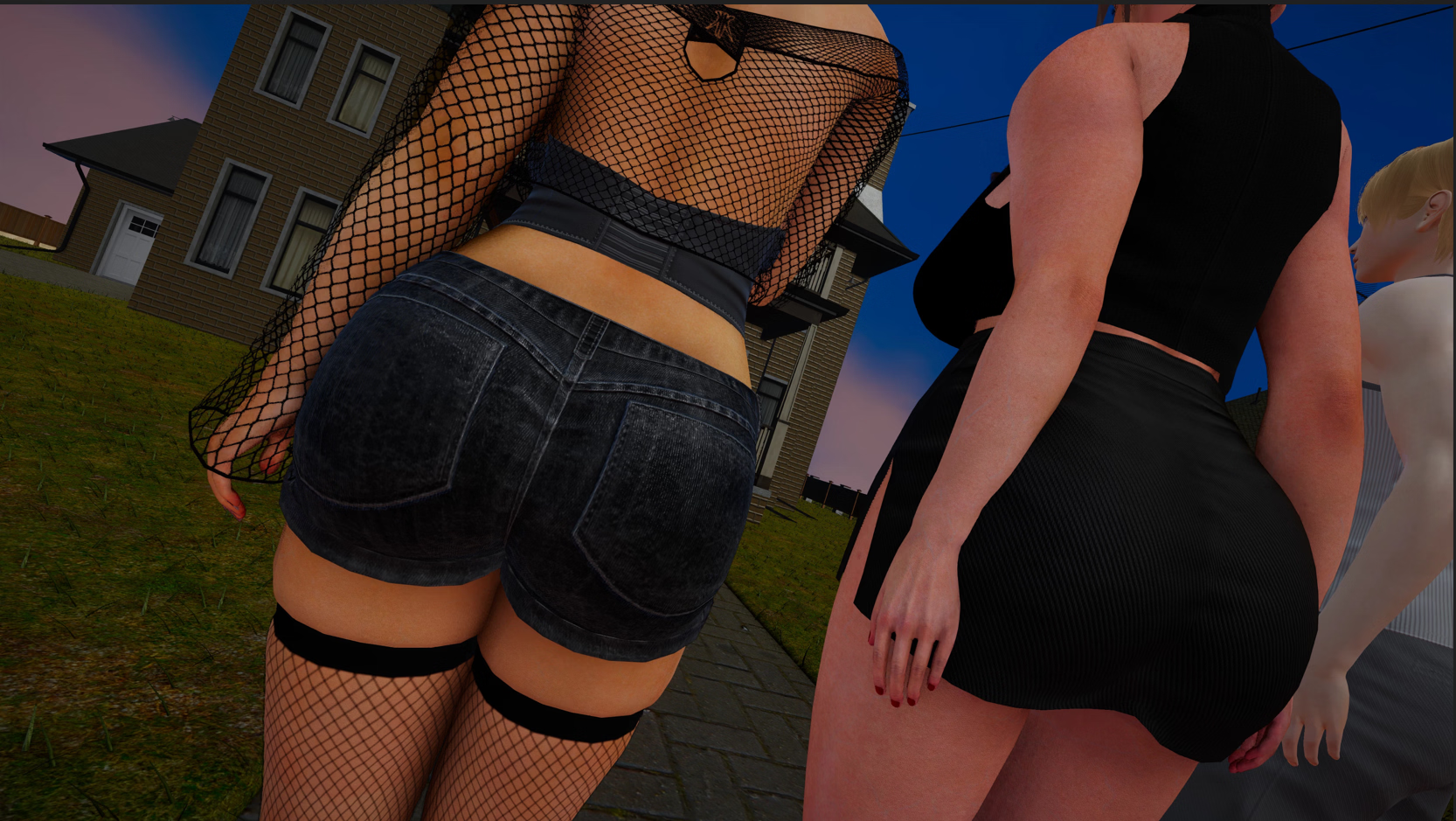
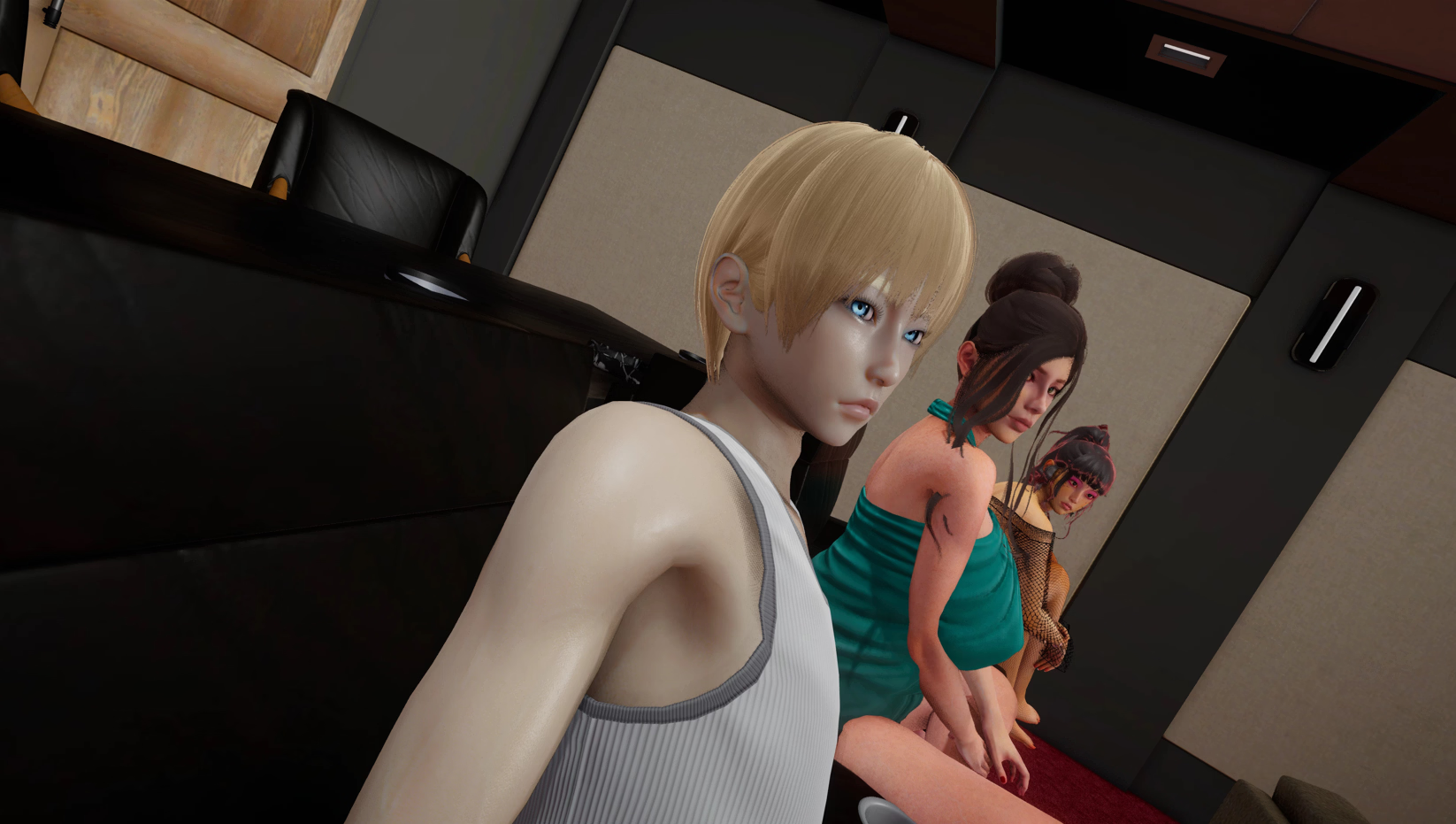
Stories from Somnia Bay is an uncensored Ren’Py Engine visual novel developed by Nine-Tempos ko-fi. Featuring full uncensored scenes, branching romantic interactions, and choice-driven storytelling, this latest [v1] release delivers an expanded experience packed with fresh narrative content and visual upgrades.
Welcome to Somnia Bay. Something is wrong here.
You can feel it. Monique, Olivia, and David had no choice but to run. Whatever happened between Monique and Edward — a powerful, wealthy, dangerous man — was enough to leave everything behind overnight.
It’s a one-way road to Somnia Bay, a remote town cut off from the rest of the world, where strangers don’t go unnoticed for long.
Stories from Somnia Bay combines narrative depth with intuitive visual presentation. Notable themes and gameplay elements include 3DCG, animated, big ass, big tits, female protagonist, groping. Key features include:
Follow these quick installation steps to get Stories from Somnia Bay running smoothly on your device:
C:\Games\Stories from Somnia Bay), and launch the main .exe executable. Run as administrator if save permissions require elevated privileges..apk build. Ensure “Install from Unknown Sources” is toggled on in your device security settings. Install the package and grant requested storage permissions upon initial boot.chmod +x *.sh or app package), and launch natively.Will updating to [v1] overwrite my previous saves?
In most Ren’Py titles, save states are automatically preserved in the internal user directory (%APPDATA%\RenPy on Windows or Android/data on mobile). To ensure zero progress loss, always back up your existing /saves/ folder before replacing old game files with the new build.
Is this build 100% complete and uncensored?
Yes, all direct cloud mirrors provided on DikGames feature the verified, fully uncensored release by Nine-Tempos ko-fi with all current patches and episodic updates integrated.



Stories from Somnia Bay (1)
Select the problem you experienced with this game. Reports help our maintenance crawlers instantly verify mirrors and alert uploaders.